
AutoLog Guide — from first trip to tax PDF
Everything AutoLog can do, step by step: trip logging, business/private separation, GPS tracking, kilometre allowance and the GoBD-compliant PDF export — all on your device.
Contents
★ Quick start — your first trip in 5 steps
New to AutoLog? Follow these five steps and your mileage log is ready in minutes.
- Install AutoLog
Download it from the App Store and open it. No account, no cloud, no internet connection needed.
- Add a vehicle
Tap + and enter the registration, make and model.
- Log a trip
Add a trip with date, purpose, kilometres and business/private classification.
- Use GPS tracking
Start GPS tracking and let AutoLog measure the distance via Haversine.
- Export the PDF
Generate the GoBD-compliant mileage log PDF for your tax return.
💡 Everything stays on your phone. AutoLog has no cloud and no account — your mileage data never leaves your device.
1 Dashboard & kilometre charts
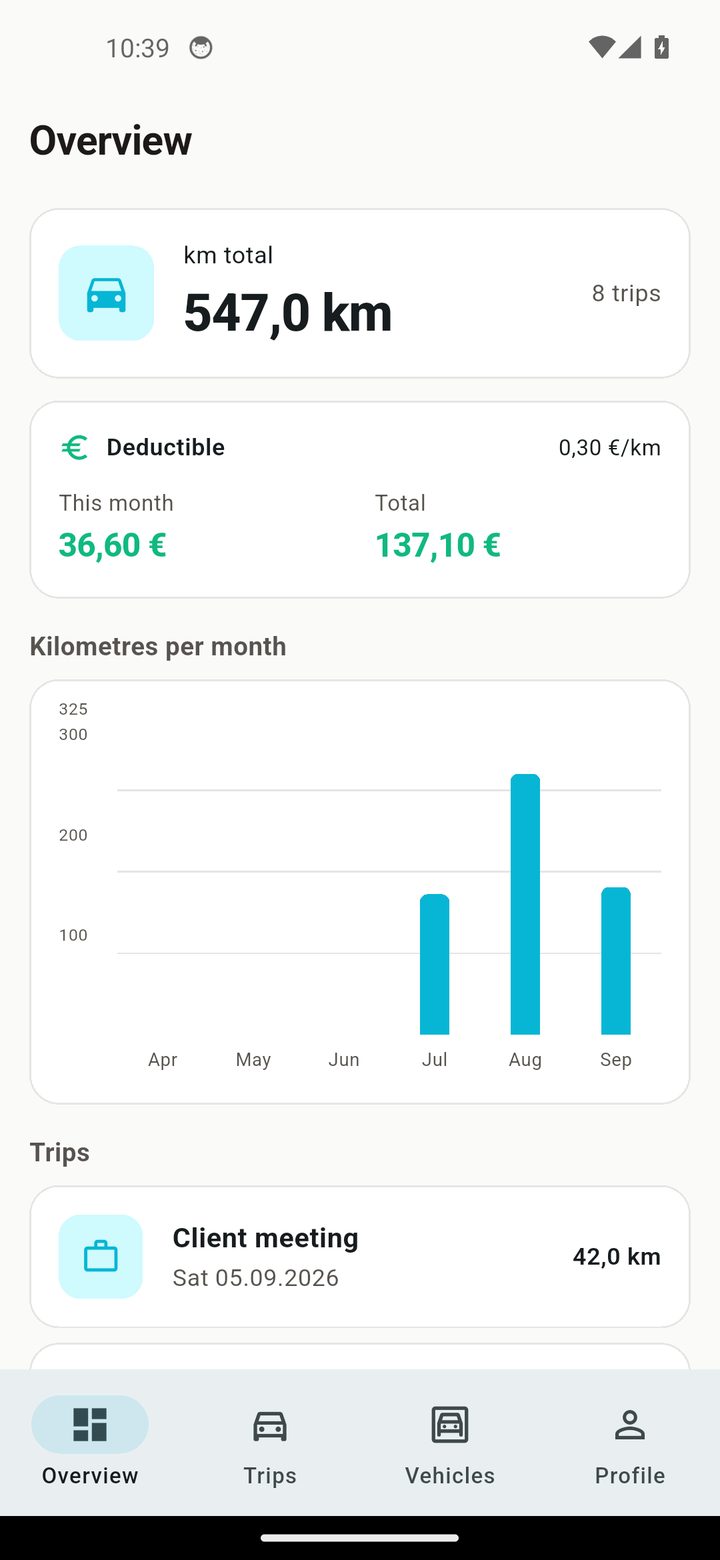
The dashboard is your overview: kilometres per month, business vs private, and your totals.
Kilometre charts
Charts visualise your monthly kilometres and business/private split.
2 Logging trips
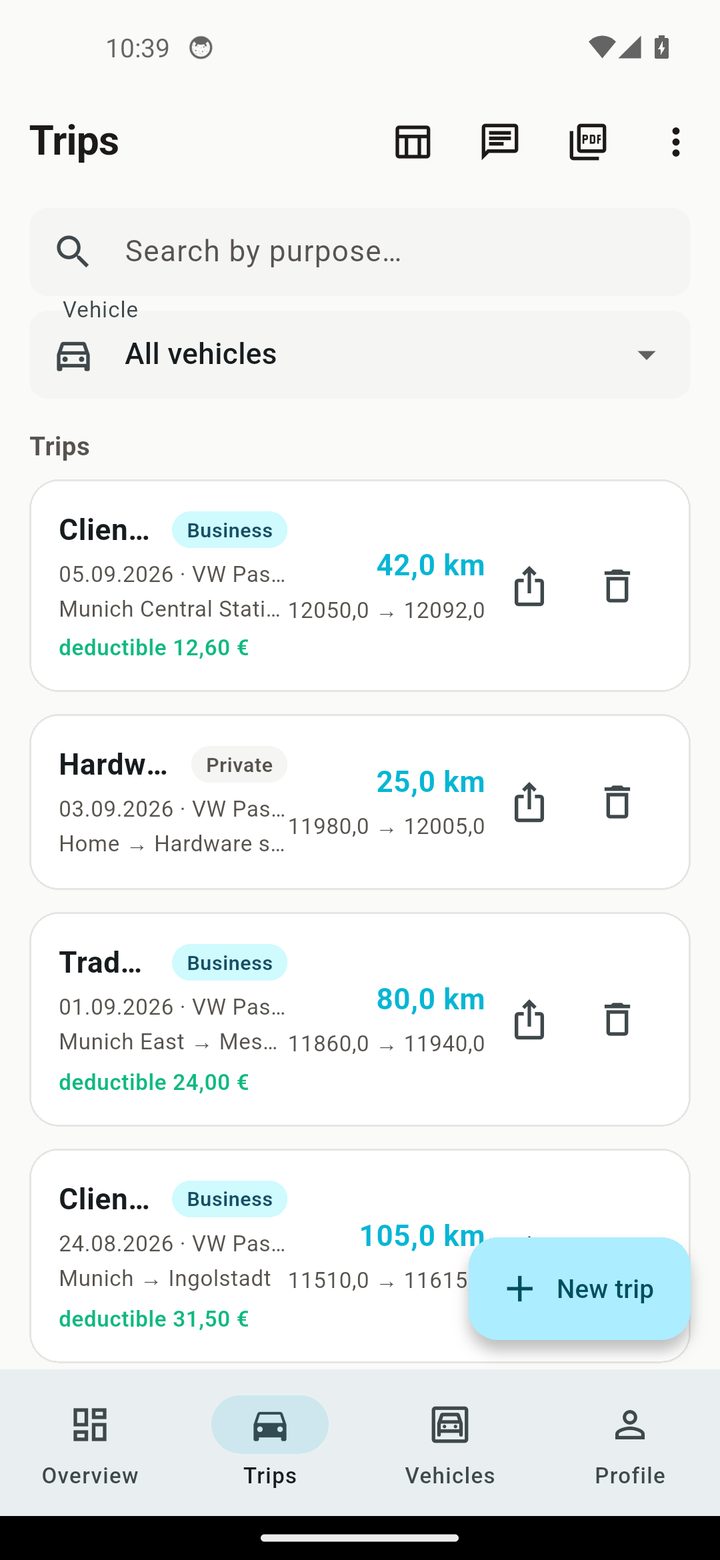
Every trip with date, purpose, distance and classification.
Business & private
Classify each trip as business or private — the tax-relevant split happens automatically.
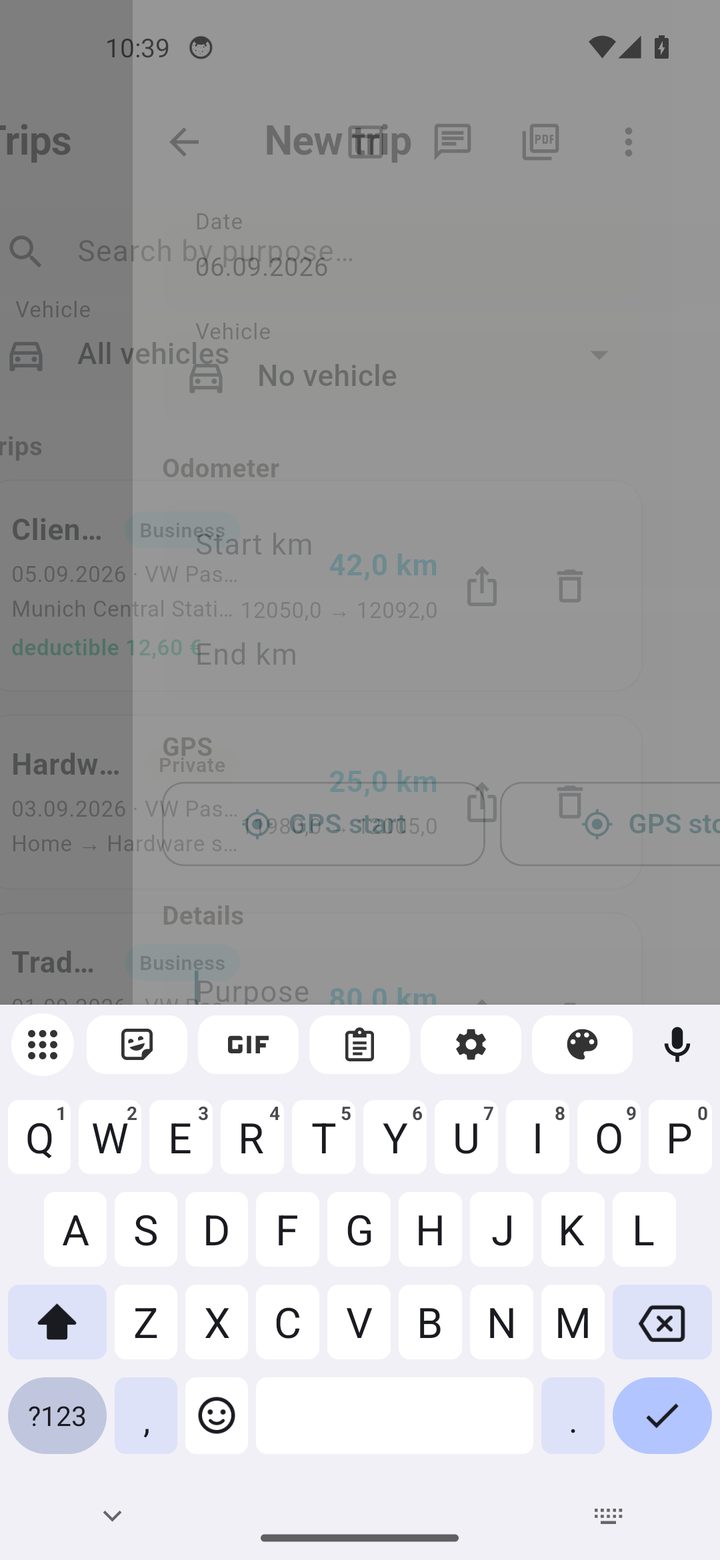
Create, edit, delete
Add a trip, open it to edit, or swipe to delete. Every list is searchable.
3 GPS tracking
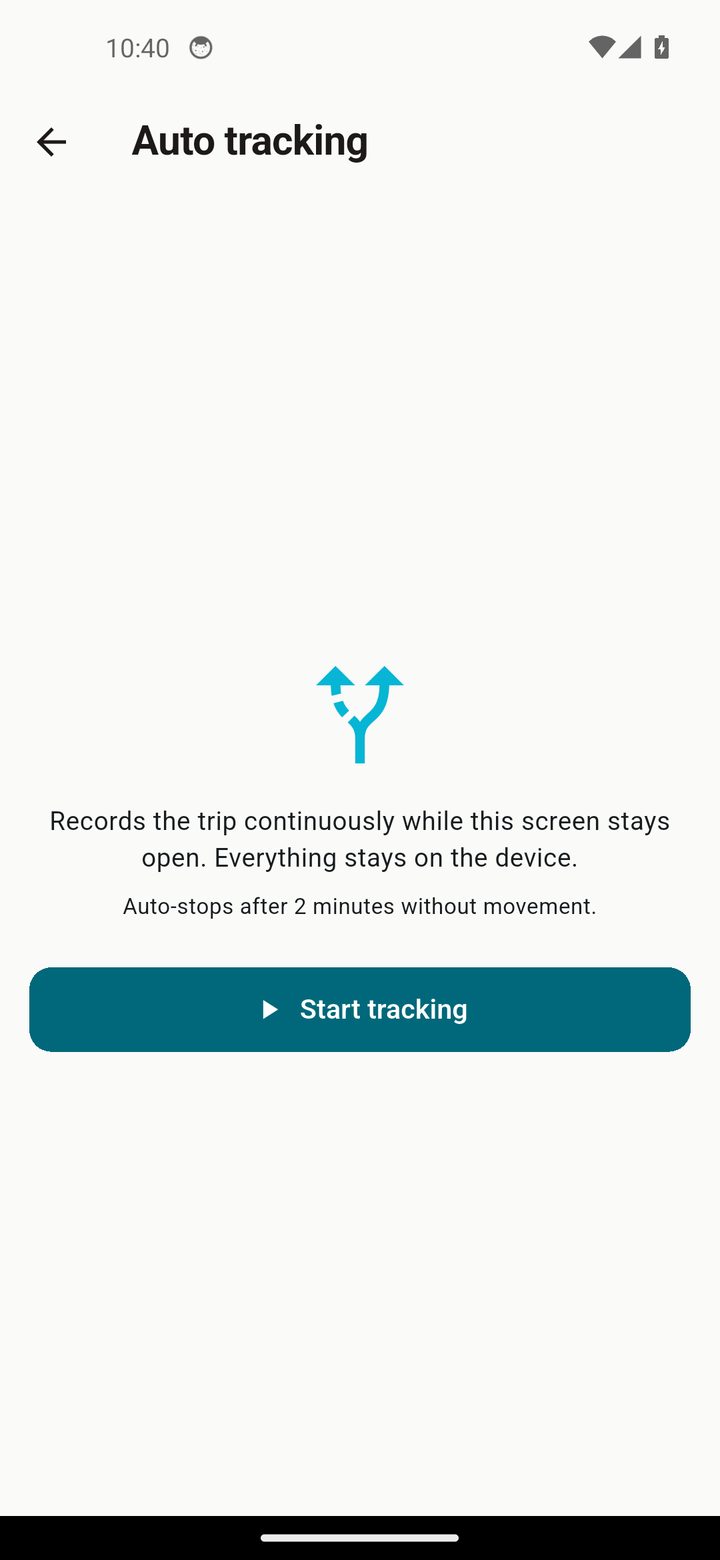
Let AutoLog measure the distance for you.
Start / stop
Start GPS tracking at the beginning and stop at the end — AutoLog calculates the Haversine distance.
4 Multi-vehicle support
Keep a separate log for every vehicle.
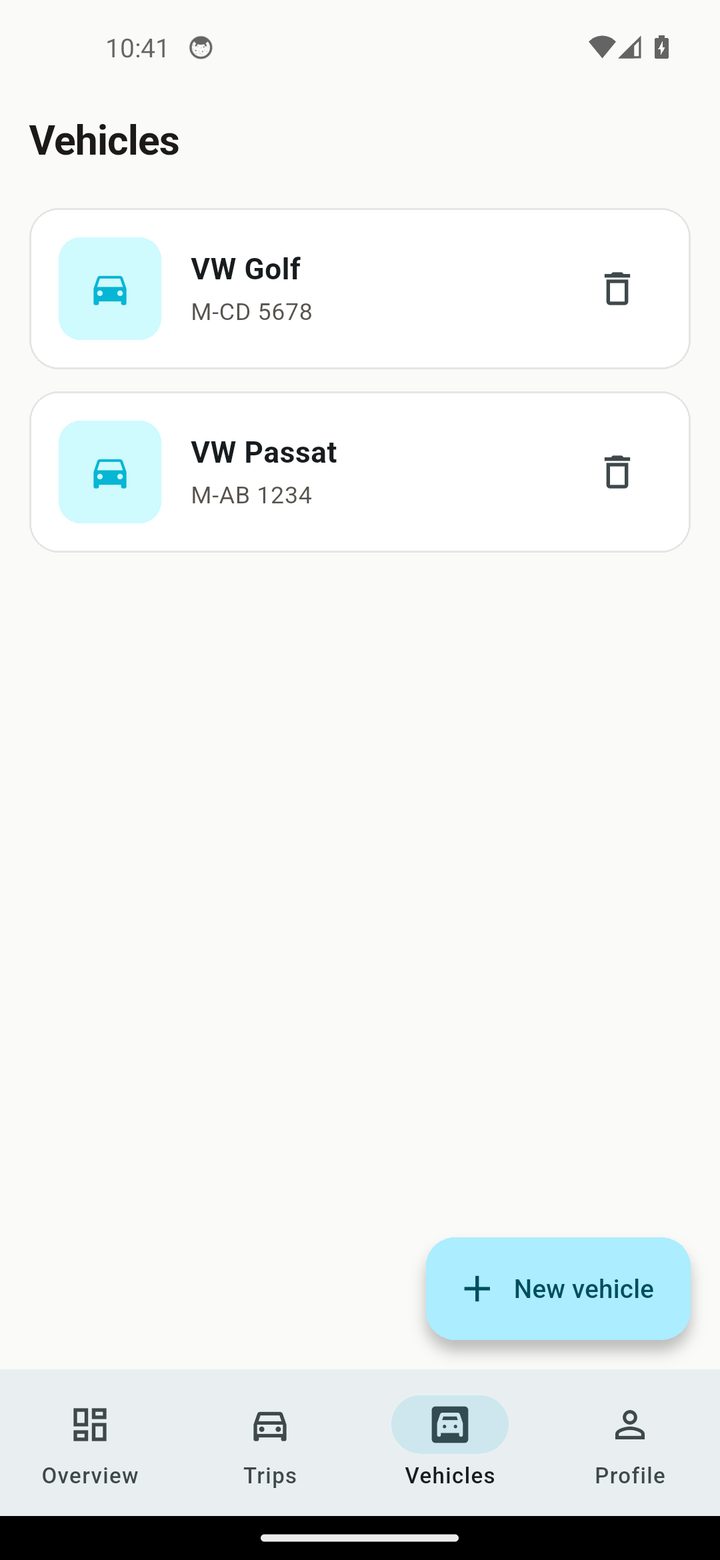
Vehicles
Add and manage multiple vehicles, each with its own trip log.
5 Kilometre allowance
See the tax-deductible amount at a glance.
Automatic allowance
AutoLog calculates the deductible kilometre allowance and shows the monthly summary.
6 GoBD PDF & export
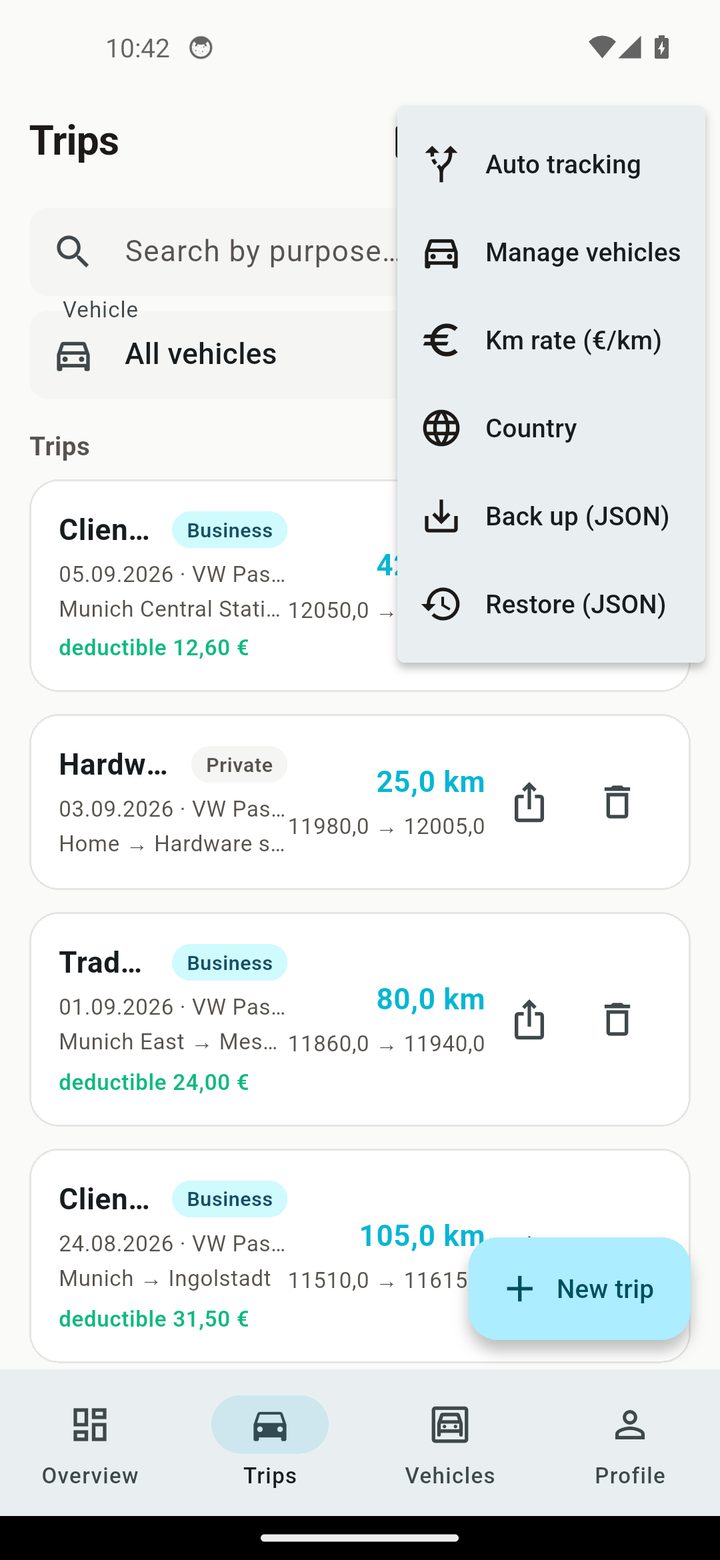
Export a compliant mileage log and share it.
GoBD PDF (DE/AT/CH)
Generate a GoBD-compliant mileage log PDF in the country format for Germany, Austria or Switzerland.
CSV & WhatsApp
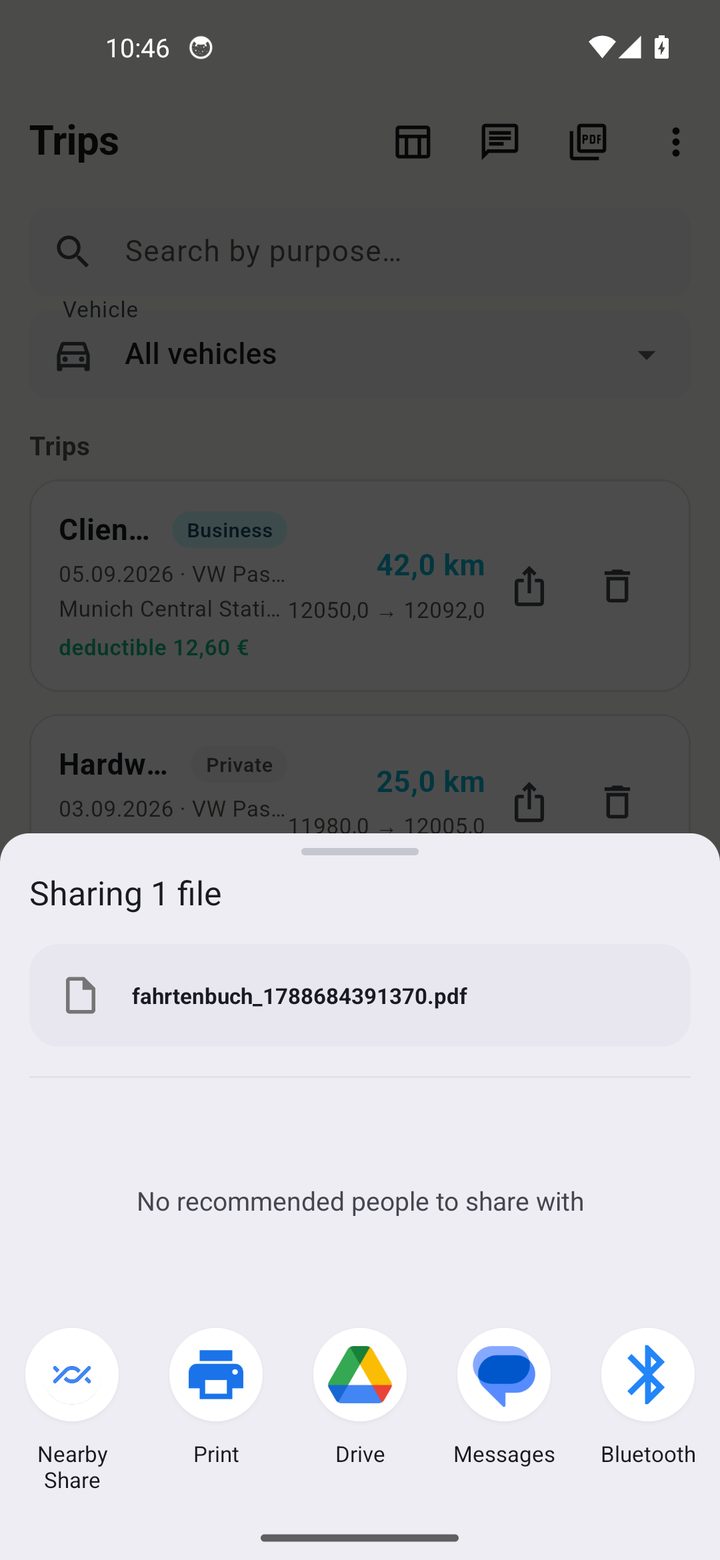
Export your data as CSV or share the PDF via WhatsApp.
7 Data, backup & privacy
AutoLog keeps everything on your device — back up regularly.
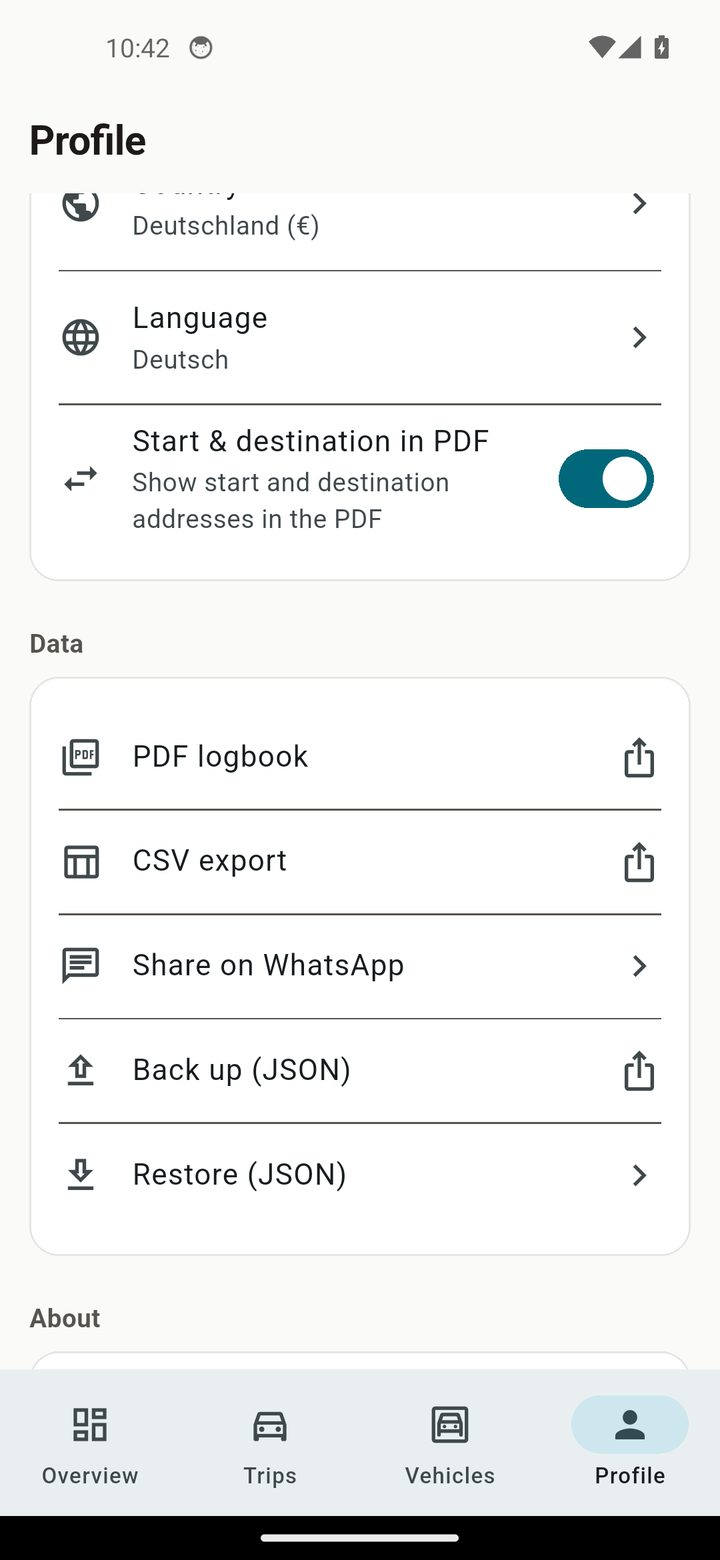
Backup & restore
Create a JSON backup and restore it after a phone change.
? FAQ
Do I need an account or internet connection?
No. AutoLog works fully offline — no account, no cloud, no data selling.
Where is my mileage data stored?
Only on your device. It never leaves your phone unless you export it yourself.
Can it split business and private trips?
Yes. Classify each trip and the tax-relevant split happens automatically.
Does it track the route via GPS?
Yes. Start/stop GPS tracking and AutoLog measures the Haversine distance.
Is the PDF tax-compliant?
Yes. A GoBD-compliant mileage log PDF in the country format for DE/AT/CH.
How much does AutoLog cost?
AutoLog is free for 10 trips. The planned paid tier is €9.99/month.
Ready to log your kilometres — privately?
Free for 10 trips, no account, no cloud. Your mileage data stays on your phone.
Download on the App Store ▶ Android — Coming Soon All features → Privacy