BabyTrack Guide — from first log to growth chart
Everything BabyTrack can do, step by step: feeding, sleep and nappy tracking, reminders, growth curves, milestones, health log and memory PDF export — all on your device.
Contents
★ Quick start — your first entry in 5 steps
New to BabyTrack? Follow these five steps and your first day is documented in minutes.
- Install BabyTrack
Download it from the App Store or Google Play and open it. No account, no registration, no internet connection needed.
- Add your baby
Tap Add baby, enter the name and birth date. Everything is stored per child.
- Log an entry
Tap the + button, choose feed, sleep or nappy, and save. For feeds pick breast / bottle / solid, for sleep enter the duration.
- Set reminders
Open the baby profile and switch on feeding reminders (every 2/3/4/6 hours) and a daily bedtime reminder.
- Watch the charts
The dashboard shows 7-day sleep and feeding statistics, growth curves and your daily streak.
💡 Everything stays on your phone. BabyTrack has no cloud and no account, so your child's health data never leaves your device.
1 Dashboard — streak, charts & statistics
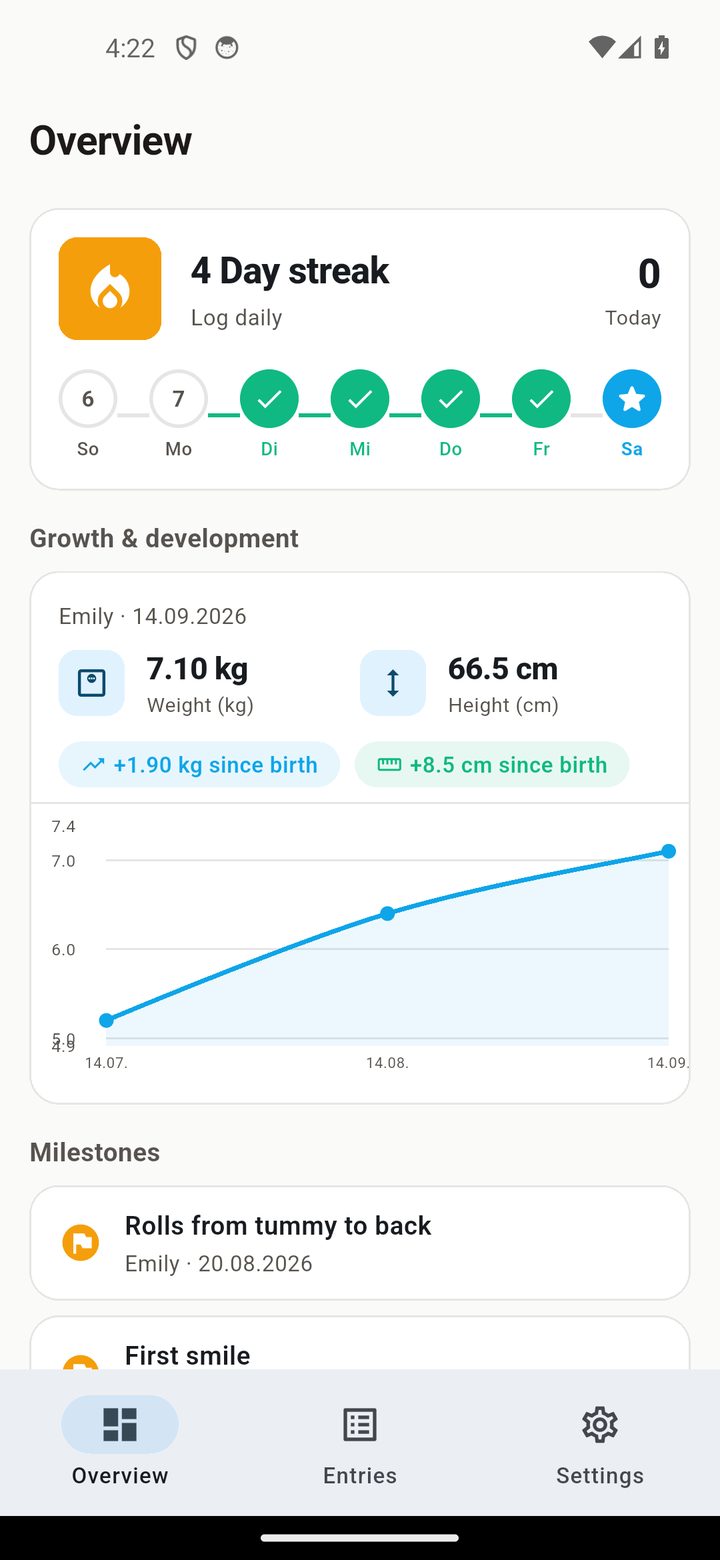
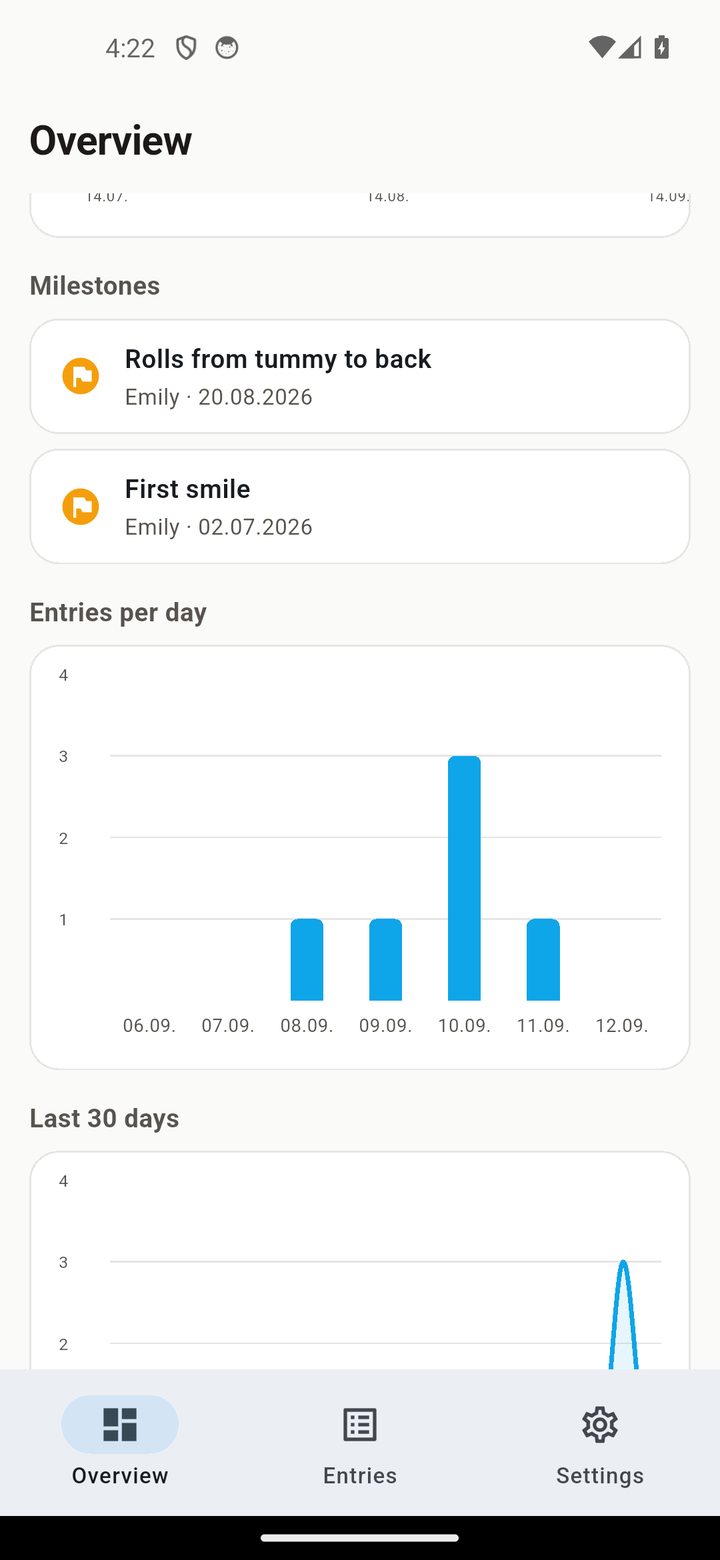
The dashboard is your overview of the whole day: your streak, sleep and feeding statistics, and quick access to every entry.
Streak & statistics
A 7-day streak tracker shows your daily usage, and the charts visualise sleep and feeding over the last 7 days.
2 Logging feeds, sleep & nappies
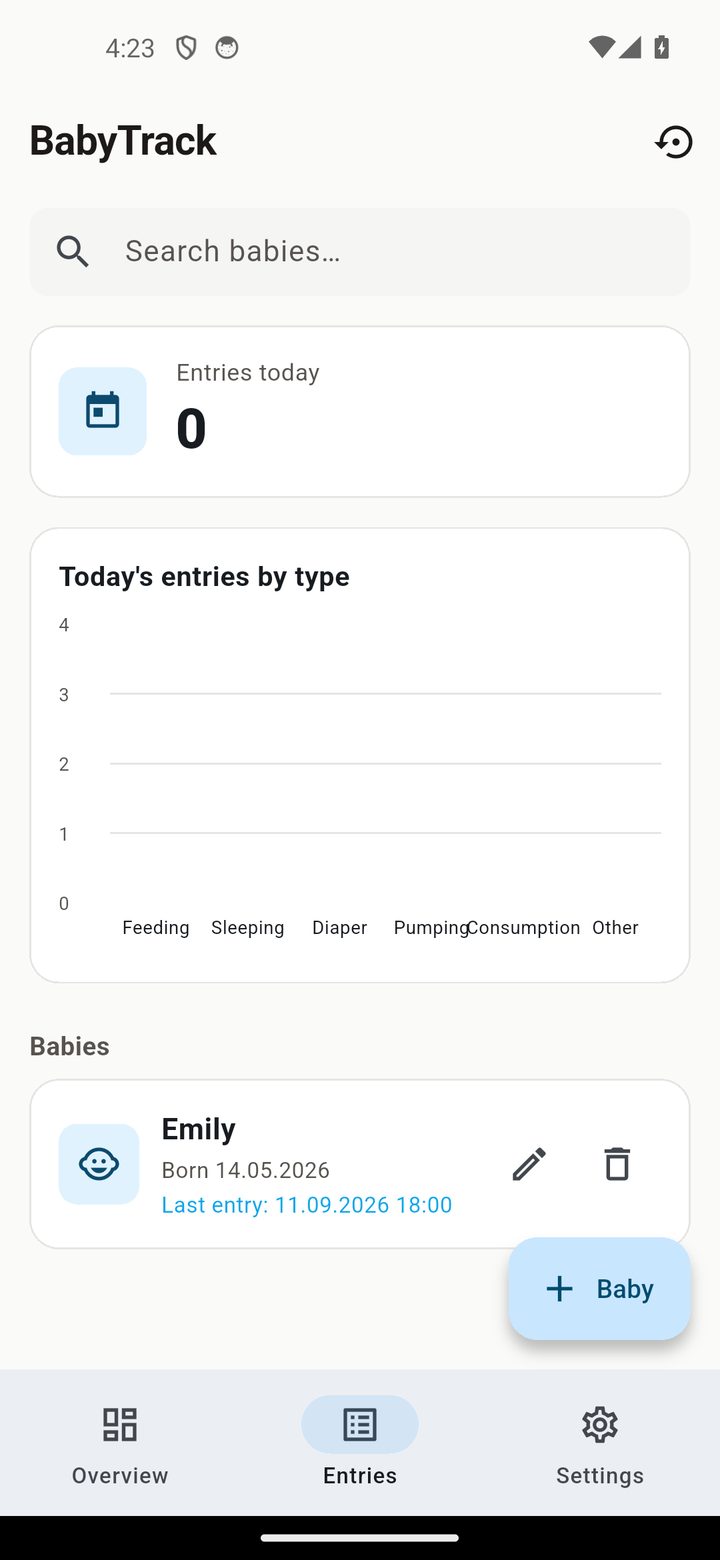
Entries are the core of BabyTrack. Log every feed, sleep and nappy change with a timestamp.
Feeding method
Each feed records its type — breast, bottle or solid — plus the amount.
Sleep duration
Sleep entries store the duration in hours and minutes, so the daily total is always correct.
Create, edit, delete
Tap + to add an entry, open it to edit, or swipe to delete. Every list is searchable.
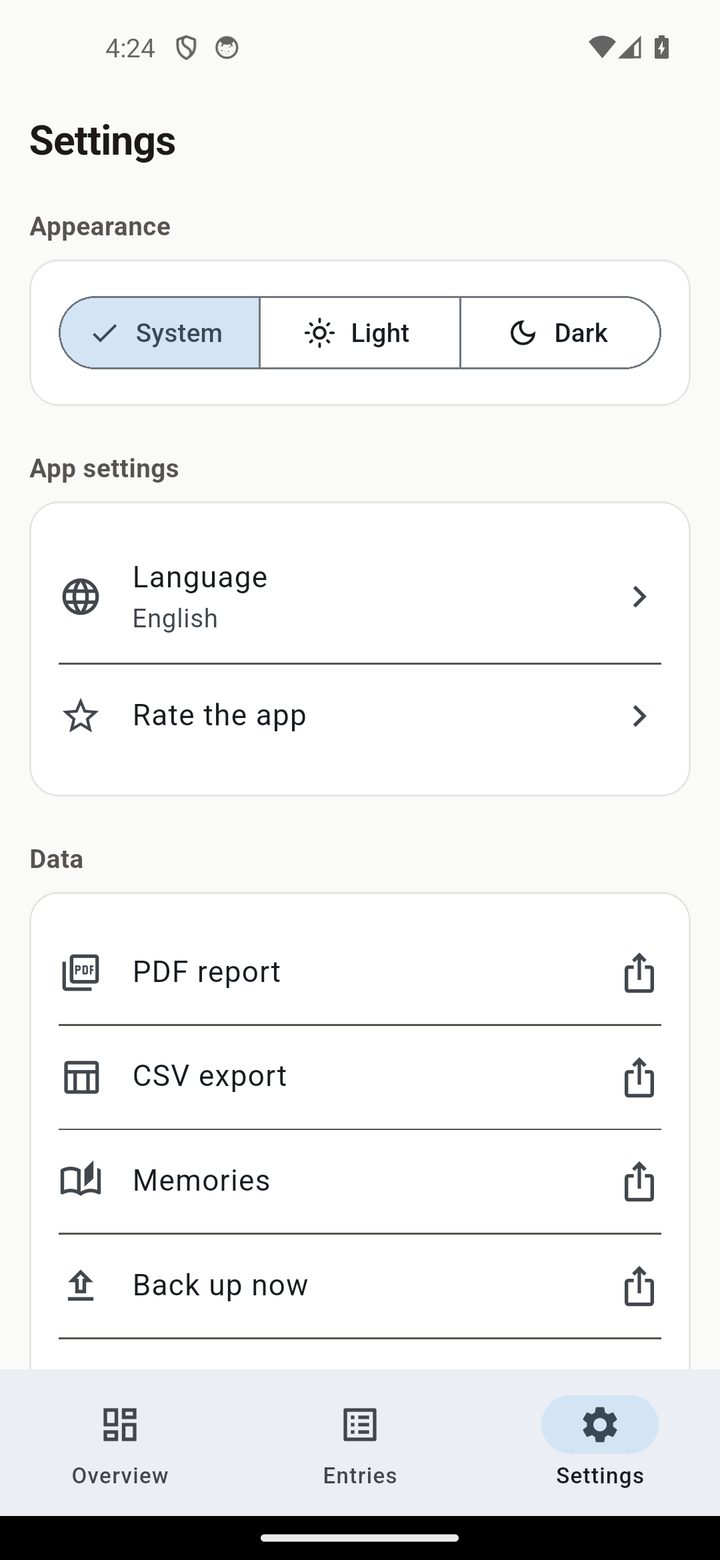
3 Feeding & bedtime reminders
BabyTrack reminds you when it's time — without any server, the notifications are generated on your device.
Feeding reminders
Set an interval of 2, 3, 4 or 6 hours and BabyTrack reminds you to feed throughout the day.
Bedtime reminder
Pick a bedtime and get a daily reminder to put your baby to bed. Uses your device timezone and survives a reboot.
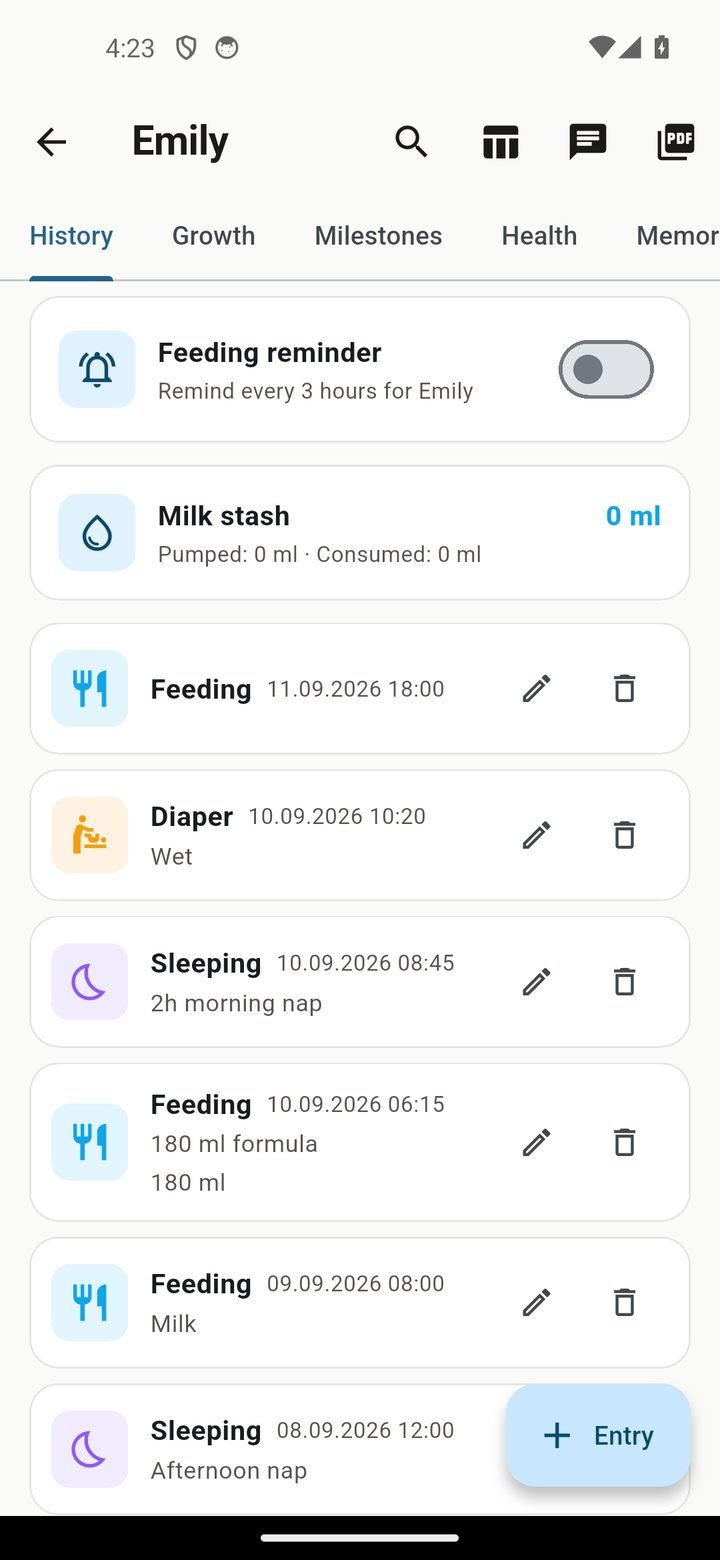
4 Growth curves & milestones
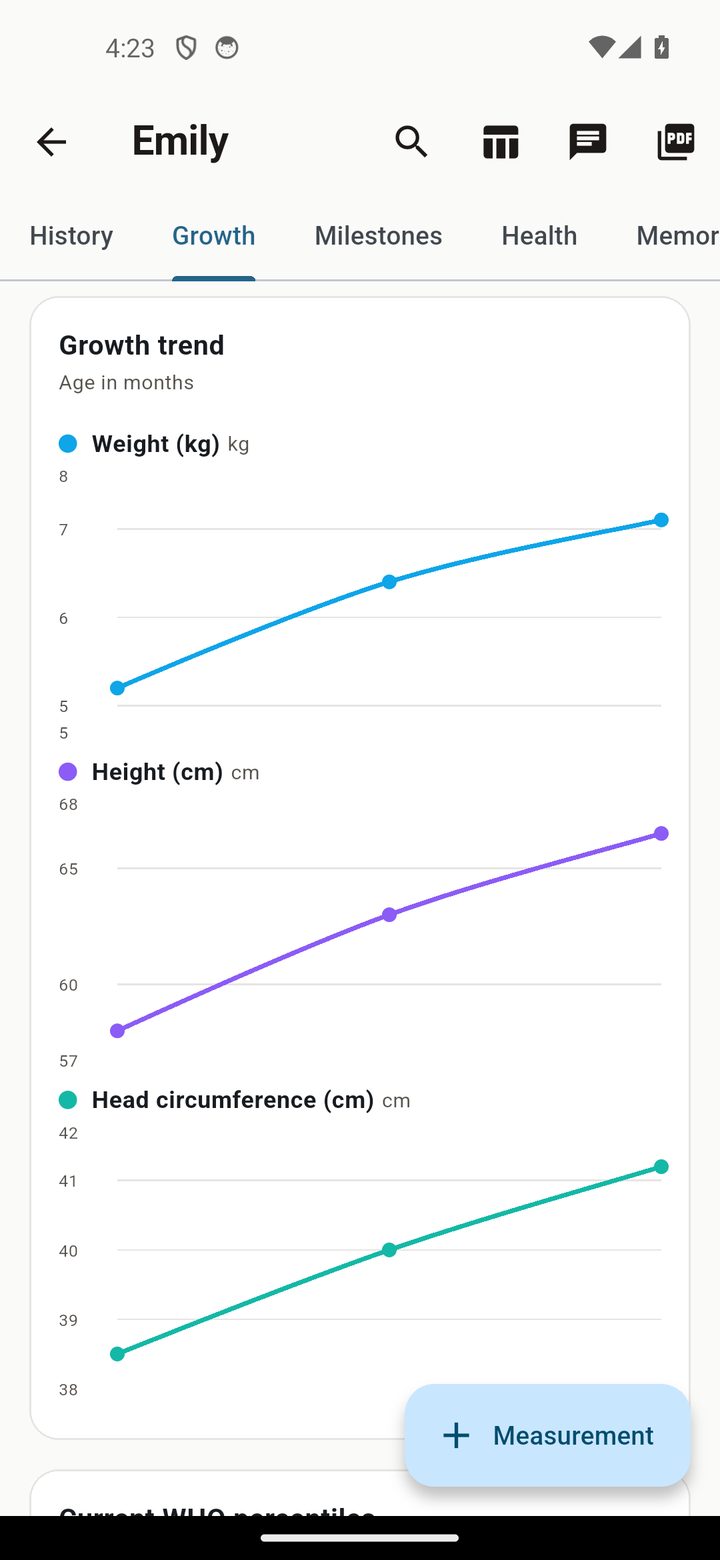
Track weight and height and follow the development with offline WHO percentiles.
WHO percentiles
Weight and height charts with offline WHO percentile data for 0–24 months — no internet needed.
Milestones
Record every developmental milestone as it happens.
5 Health log
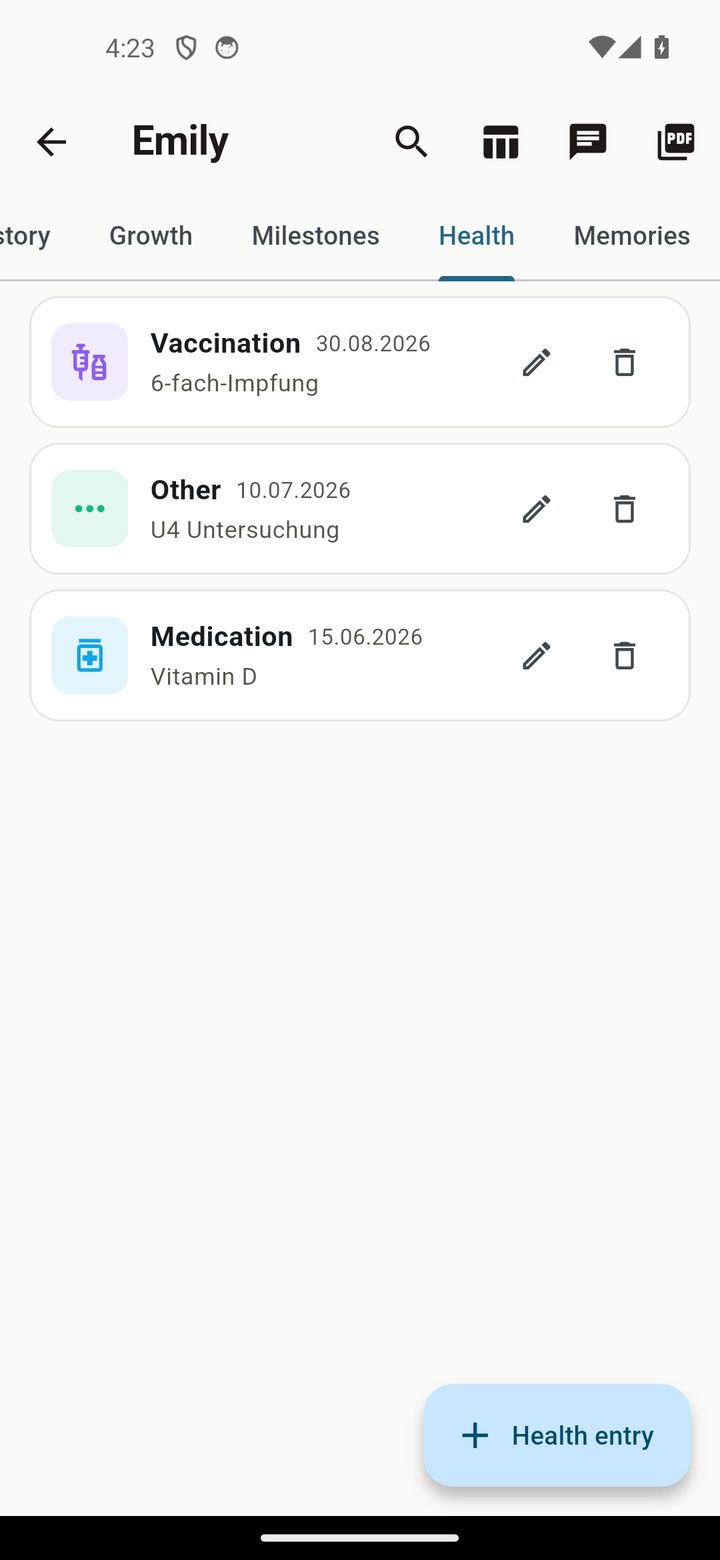
Keep medication, vaccinations and temperature in one private place.
Medication, vaccination & temperature
Log every dose, every shot and every temperature reading, fully on-device.
6 Memories & PDF export
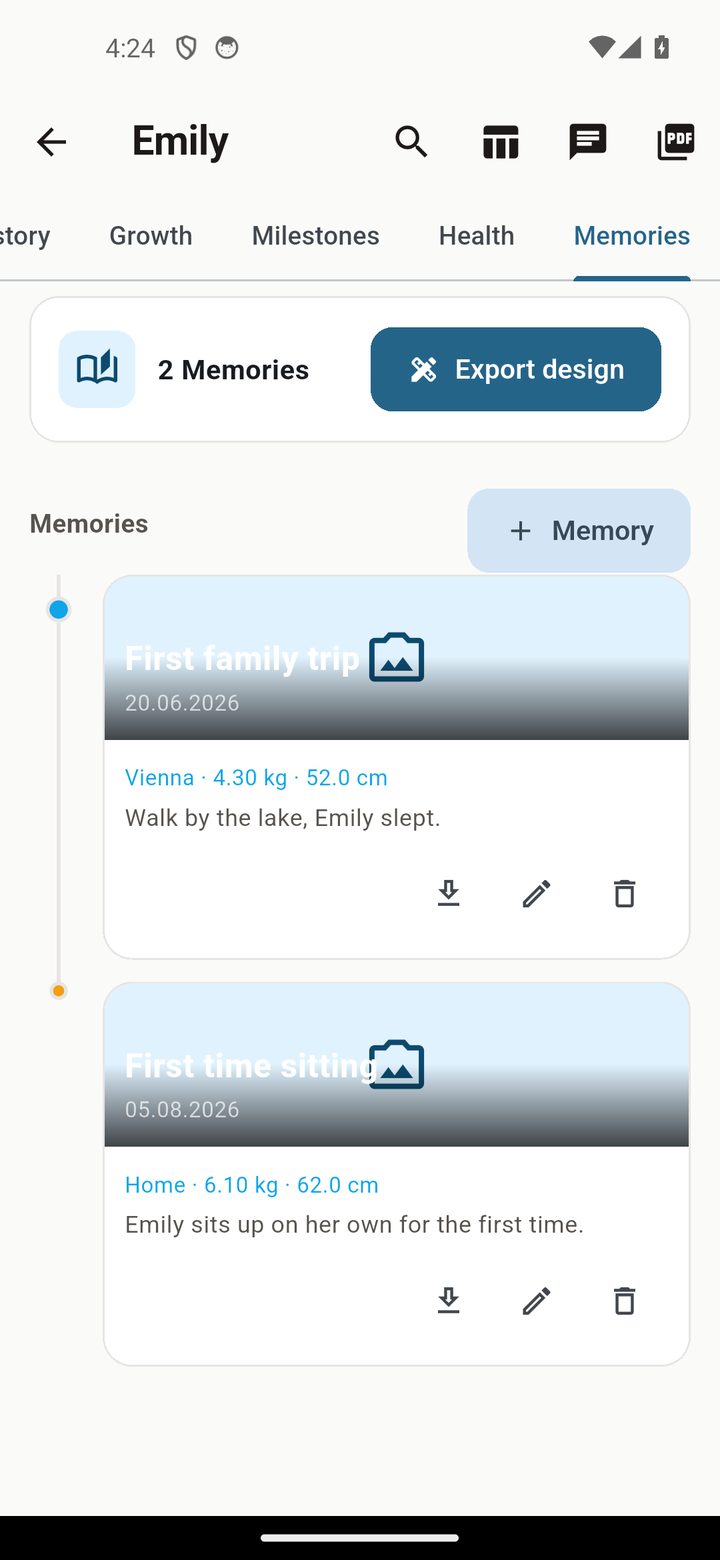
Capture photo memories and export them as beautiful PDFs, or hand your doctor a clean summary.
Memory PDF (8 designs)
Export photo memories in 8 designs — timeline, tree, polaroid and more — and share via WhatsApp.
Paediatrician PDF
Generate a clean summary PDF for your child's next doctor visit.
7 Data, backup & privacy
BabyTrack keeps everything on your device, which makes your backup the single most important habit.
Backup & restore
Create an encrypted JSON backup and restore it after a phone change or reinstall.
CSV & WhatsApp
Export your data as CSV or share entries via WhatsApp.
? FAQ
Do I need an account or internet connection?
No. BabyTrack works fully offline — no account, no cloud, no data selling.
Where is my baby's data stored?
Only on your device. Feeding, sleep, health and growth data never leave your phone unless you export it yourself.
What feeding methods does it support?
Breast, bottle and solid. Each feed is logged with its type and amount.
Can it remind me to feed and put my baby to bed?
Yes. Set a feeding interval (2/3/4/6 hours) and a daily bedtime reminder — both are generated locally.
Does it track growth percentiles?
Yes. Weight and height curves use offline WHO percentile data for 0–24 months.
How much does BabyTrack cost?
BabyTrack starts with a free tier. The planned paid tier is €4.99/month.
Ready to track your baby — privately?
Free tier, no account, no cloud. Your child's data stays on your phone.
▶ Get BabyTrack on Google Play Download on the App Store All features → Privacy