
TellerKalk Guide — from recipe to selling price
Everything TellerKalk can do, step by step: recipes and ingredients, yield and shrinkage, margin-based selling price, VAT and the PDF calculation — all on your device.
Contents
★ Quick start — your first recipe in 5 steps
New to TellerKalk? Follow these five steps and your first recipe is costed in minutes.
- Install TellerKalk
Download it from the App Store or Google Play and open it. No account, no cloud, no internet connection needed.
- Add a recipe
Tap + and enter the name and the ingredients it uses.
- Add ingredients
Create ingredients with purchase price and quantity.
- Set your margin
Enter your target food-cost percentage to get the selling price.
- Export the PDF
Generate the food-cost calculation PDF to share.
💡 Everything stays on your phone. TellerKalk has no cloud and no account — your recipes and prices never leave your device.
1 Dashboard & recipe-cost charts
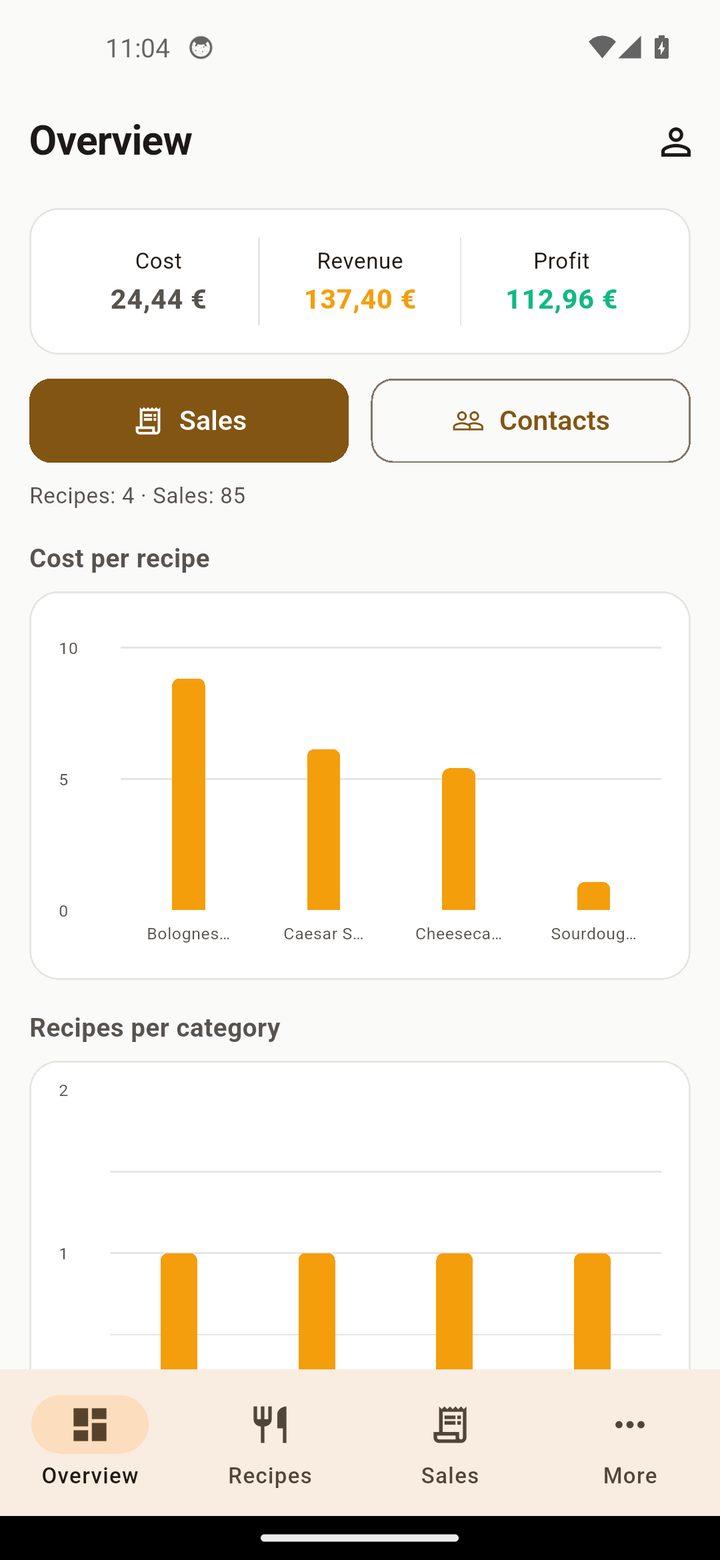
The dashboard is your overview: recipe costs at a glance.
Bar chart
A bar chart shows the cost of each recipe so you see your most expensive dishes instantly.
2 Recipes & ingredients
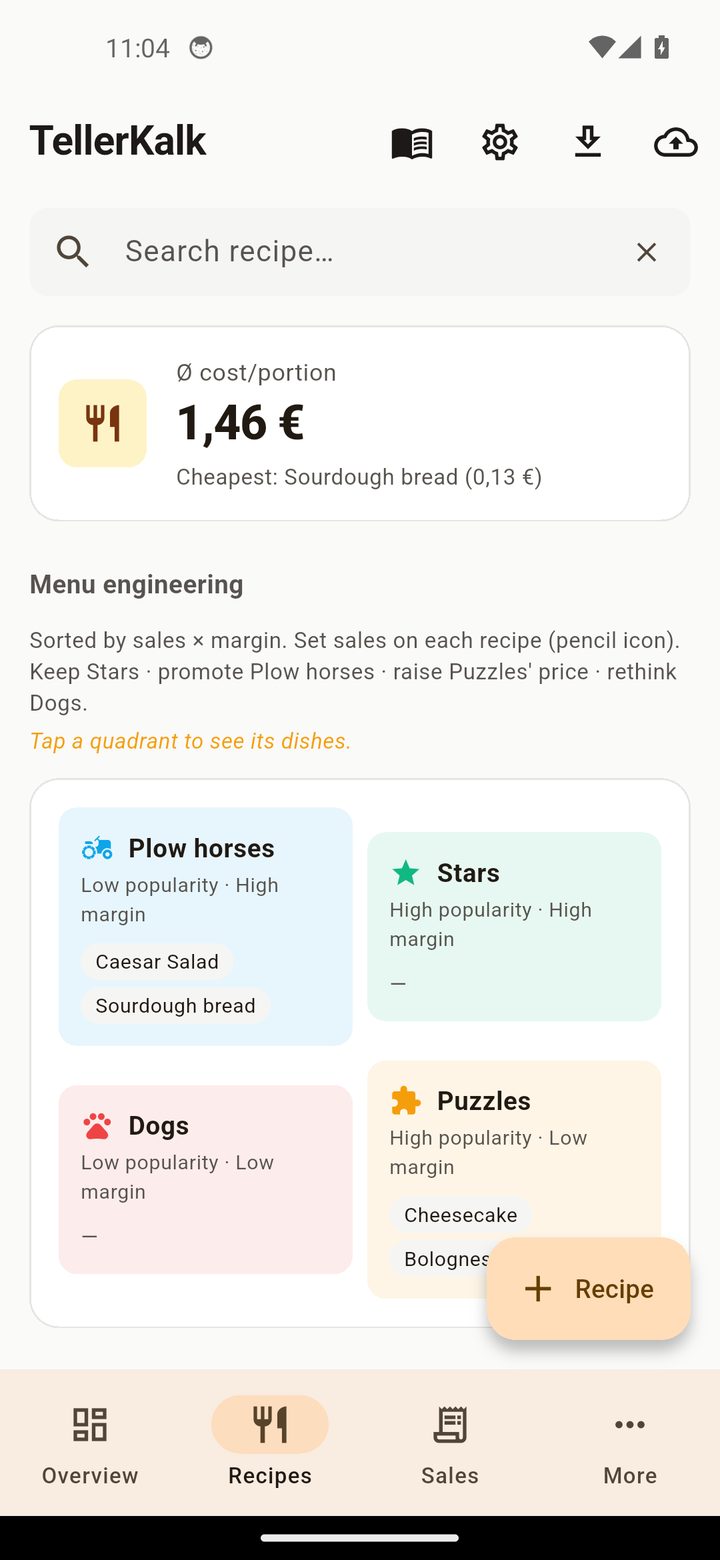
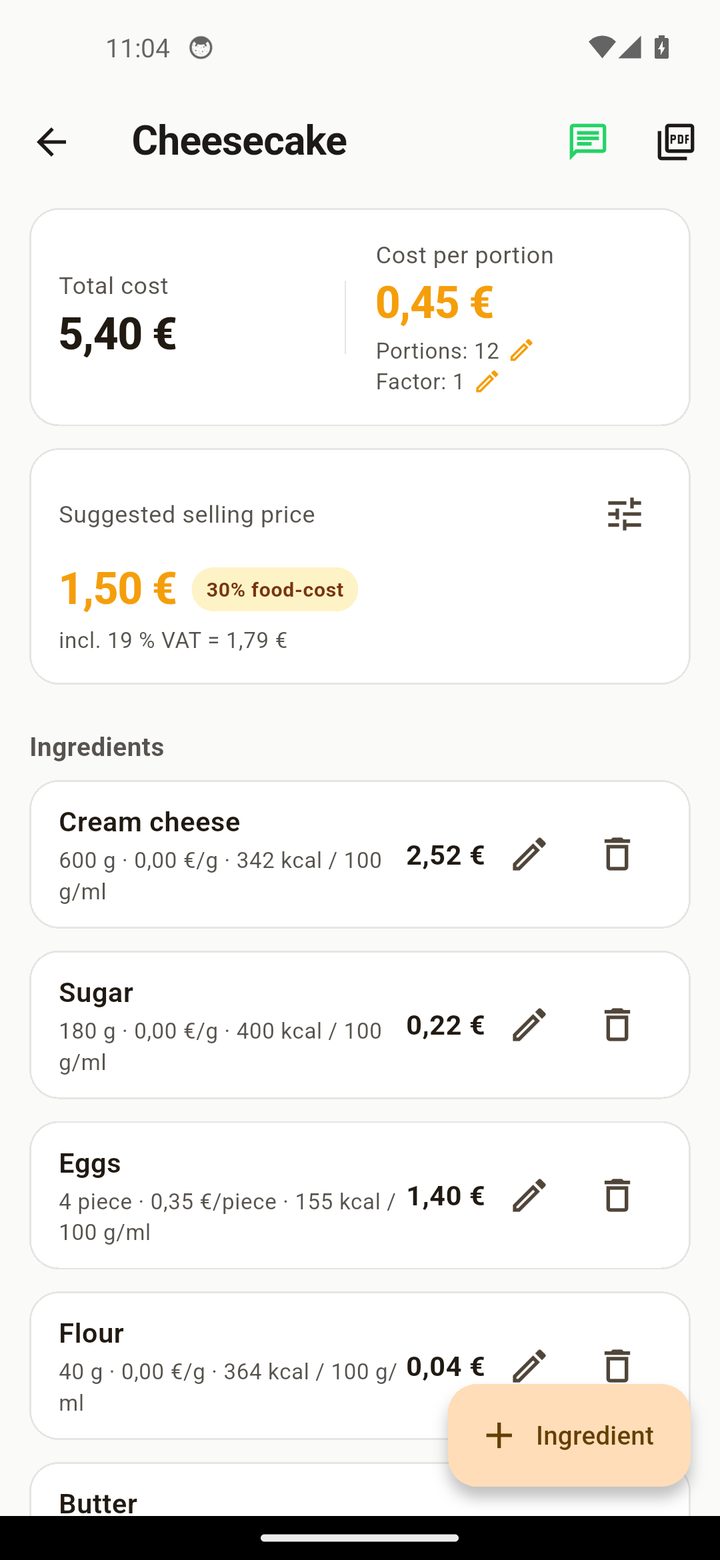
Build recipes from ingredients with prices.
Recipes
Create, edit and delete recipes, each with its own ingredient list.
Ingredients
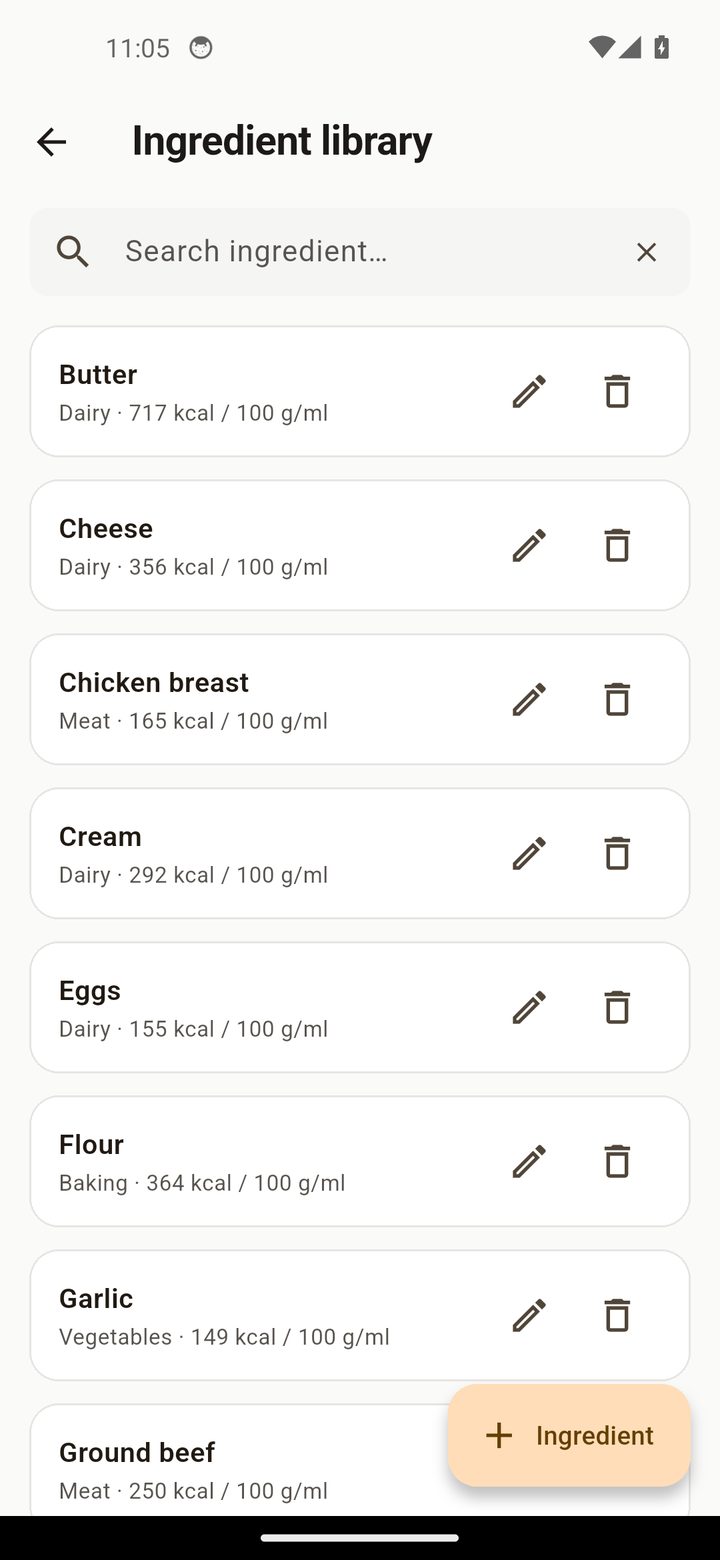
Create ingredients with purchase price and quantity — reusable across recipes.
3 Yield, shrinkage & margin
Calculate the real cost per plate.
Yield & shrinkage
Account for yield and shrinkage so the true food cost is accurate.
Margin → selling price
Set your target food-cost percentage and TellerKalk computes the selling price.
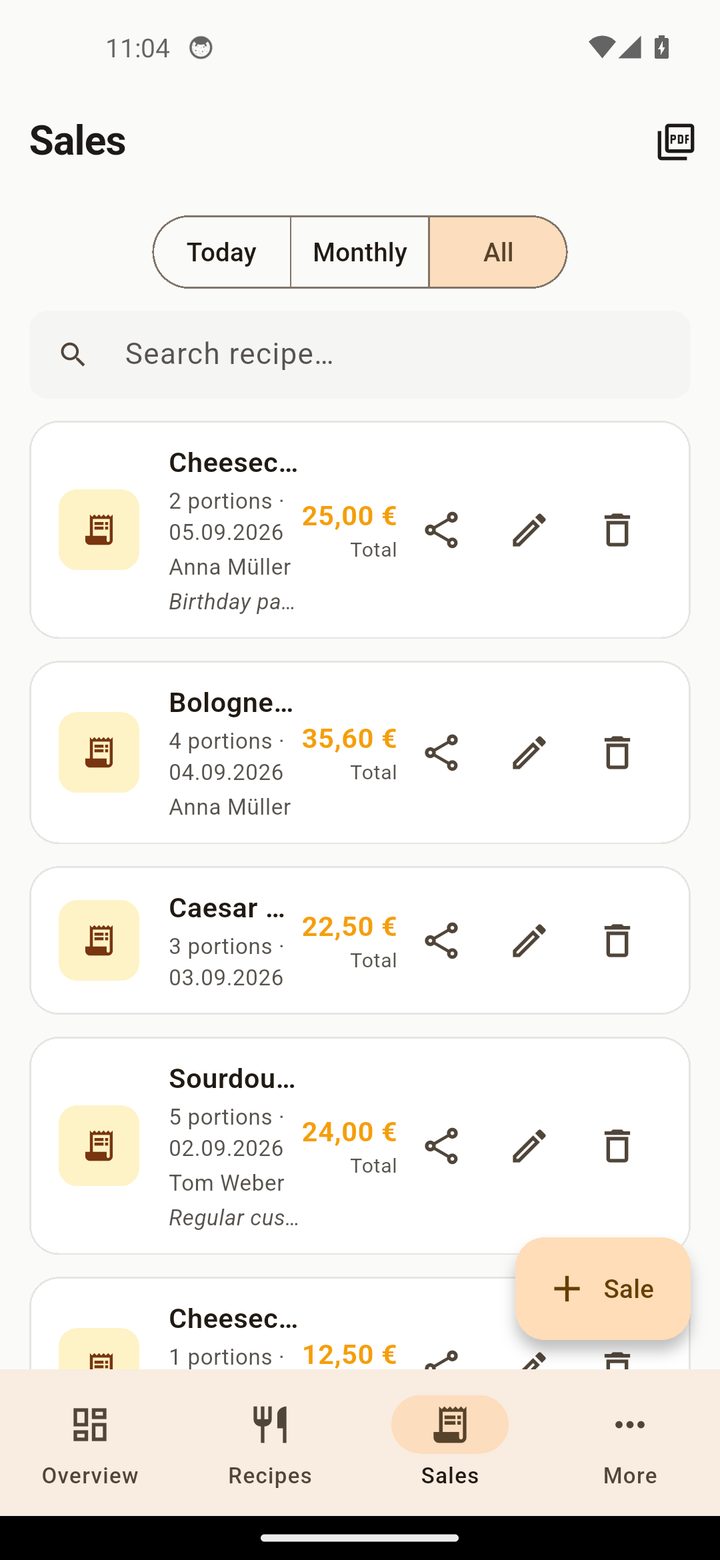
VAT (net/gross)
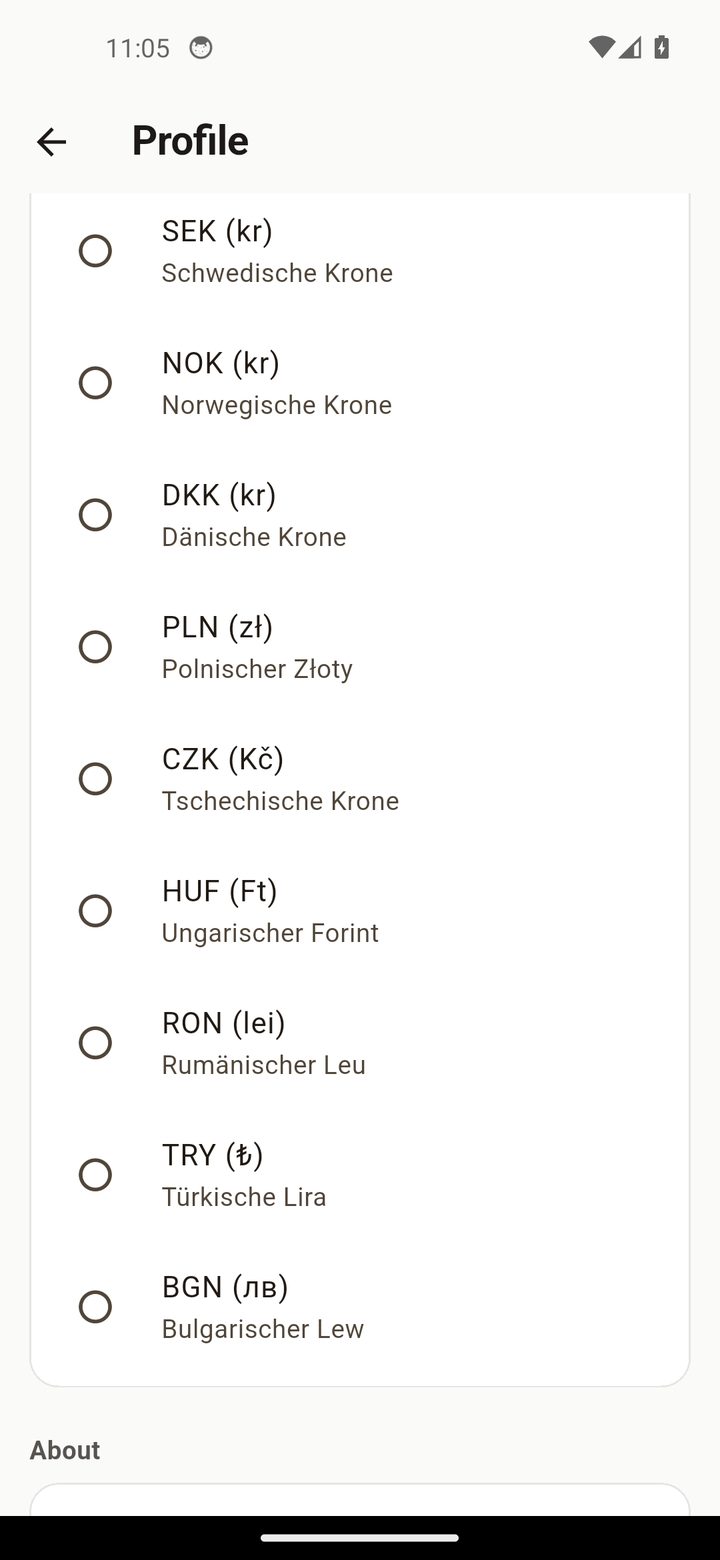
Calculate prices net or gross with the correct VAT.
4 Ingredient library & scaling
Reuse ingredients and scale recipes.
Ingredient library
A reusable ingredient library saves you from re-entering the same items.
Recipe scaling
Scale a recipe by a factor to cost larger batches.
5 PDF & backup
Export your calculation and keep it safe.
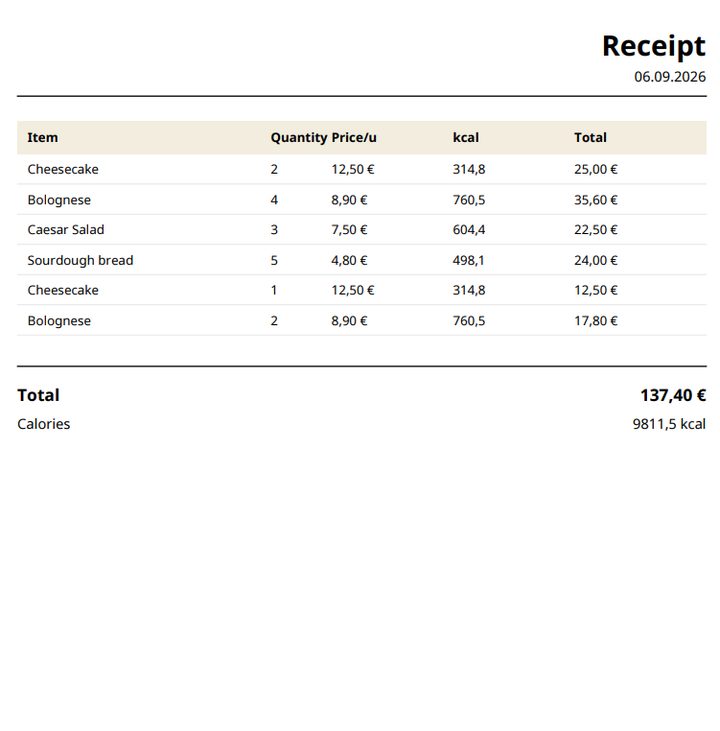
PDF calculation
Export a clean food-cost calculation PDF.
Backup & CSV
JSON backup, CSV export and WhatsApp sharing.
? FAQ
Do I need an account or internet connection?
No. TellerKalk works fully offline — no account, no cloud, no data selling.
Where is my recipe and price data stored?
Only on your device. It never leaves your phone unless you export it yourself.
Does it calculate the selling price?
Yes. Set your target food-cost percentage and TellerKalk computes the selling price.
Does it handle yield and shrinkage?
Yes. Account for yield and shrinkage so the food cost is accurate.
Can I scale recipes?
Yes. Scale a recipe by a factor to cost larger batches.
How much does TellerKalk cost?
TellerKalk is free for 1 menu. The planned paid tier is €9.99/month.
Ready to cost your menu — privately?
Free for 1 menu, no account, no cloud. Your recipe data stays on your phone.
▶ Get TellerKalk on Google Play Download on the App Store All features → Privacy